Bring in the enquiry
Connect configured Gmail or upload the email, drawings, scope spreadsheet and pre-construction information manually.
Construction operations for UK contractors
SiteHQ turns enquiries, site updates, photographs, instructions and project documents into one connected record—helping contractors save time, reduce repeated admin and protect their commercial position.
One connected project journey
EnquiryQuotationProject recordsLive site evidenceThe SiteHQ journey
Bring information in once, check it, carry it into the quote and live project, then connect the documents and daily evidence that follow.
Connect configured Gmail or upload the email, drawings, scope spreadsheet and pre-construction information manually.
Review suggested facts and attachments. A person confirms the scope, address, dates and unknowns before anything becomes the project record.
Confirmed information becomes the reusable project record instead of being typed again into every quote, document and site workflow.
Build the priced scope, exclusions and issue details, save the revision and record the client decision.
Move the accepted opportunity into a live project while retaining the information and attachments already checked.
Create the applicable CPP, RAMS and trade records. Not every document is required on every job.
Why contractors use it
Capture information while it is fresh, reuse it across the project and keep the evidence connected to the work, decision or change it supports.
Check project facts once, then use them across quotations, project records and the applicable documents.
Follow the journeyReduce blank-page admin while keeping project-specific review and approval with the right people.
See finished examplesConnect instructions, photographs, diary entries, changes and current document versions to the job.
Explore the workspaceGive the contractor a clearer view of projects, actions, documents and the information still missing.
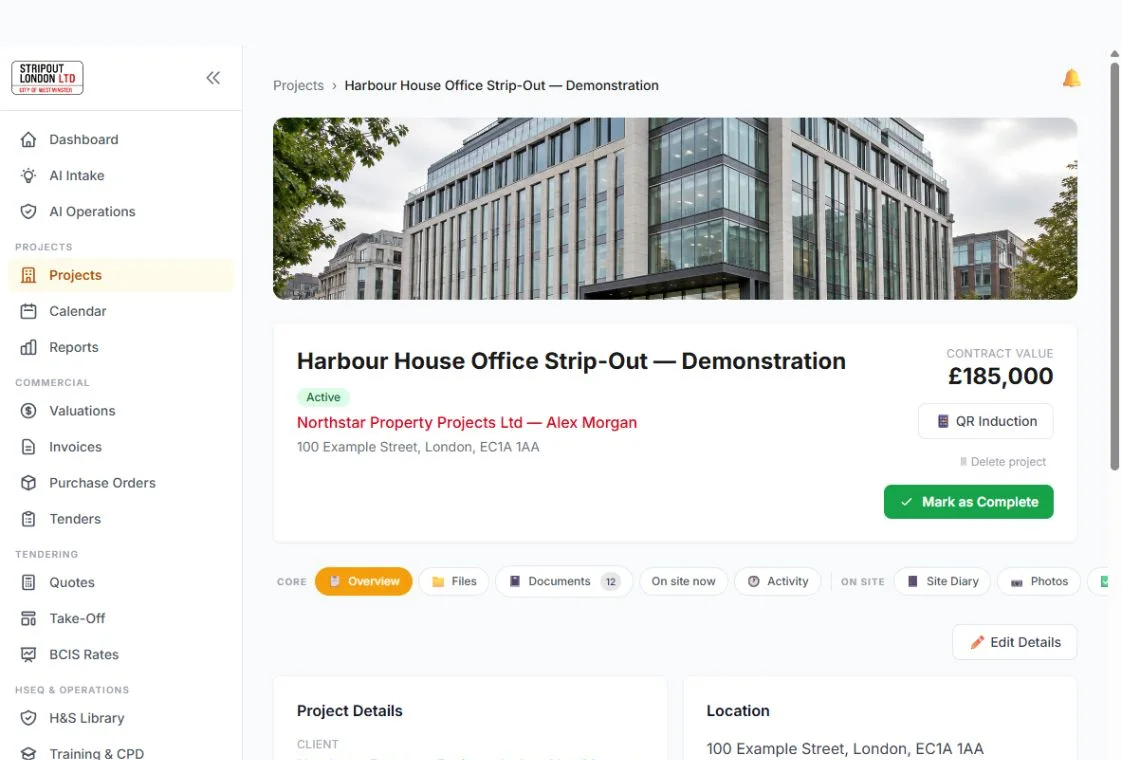
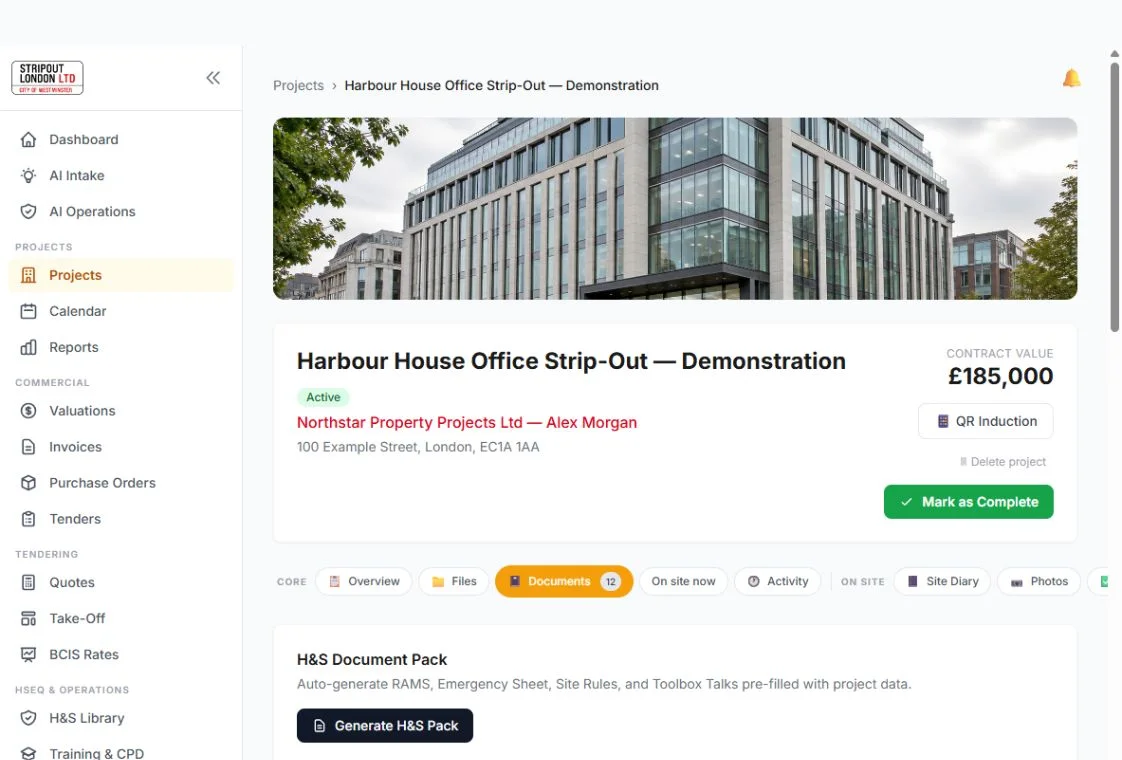
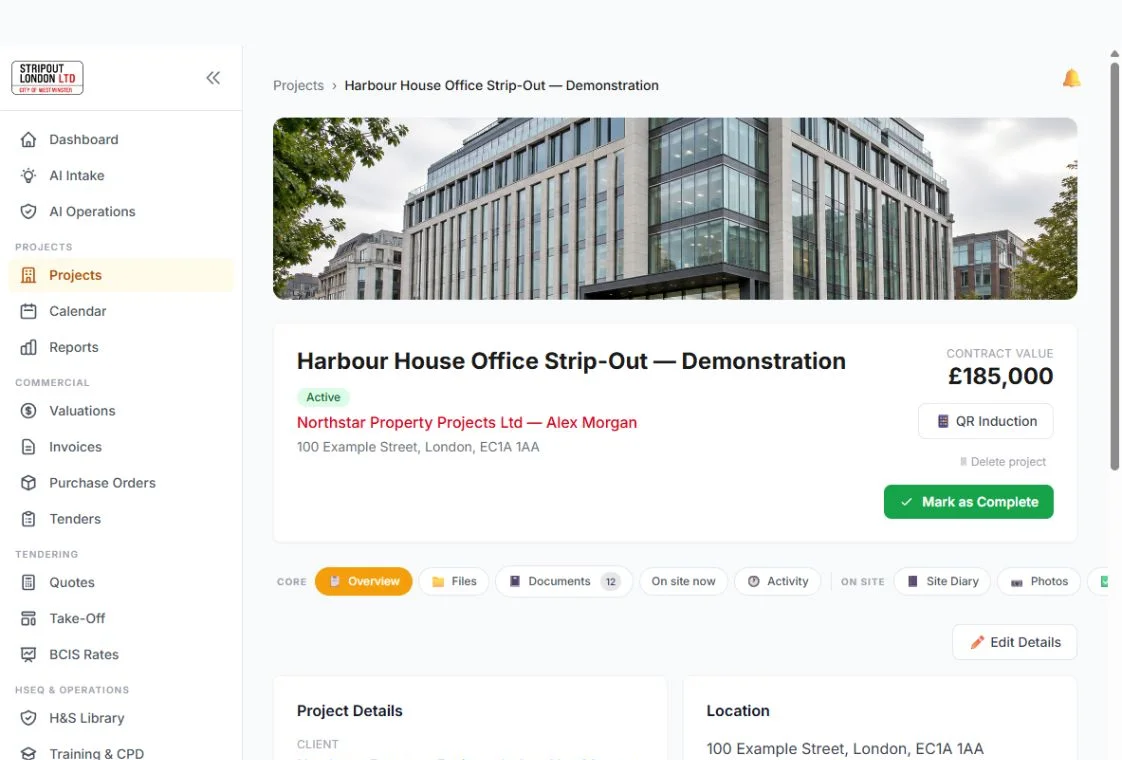
See inside SiteHQA real view inside SiteHQ
The dashboard brings active projects, recent activity and useful shortcuts together, so your team can get to the right job quickly.
Finished outputs
Every public example uses fictional information and makes the human responsibility boundary explicit.
Your SiteHQ AI assistant
Use AI inside SiteHQ to turn project information into useful starting points, spot details that still need attention and move routine admin forward faster.
AI helps with the working draft. Your competent person checks the real project and makes the safety decisions.
Illustrative conversation using fictional project information.
CURRENT SITE INFORMATION
Fictional mobile preview. No worker account required.
From office to site
Add the people, facts and documents your team needs.
Keep drafts separate and publish only the version approved for use.
Workers use the site QR code on their own phone—no worker account needed.
Check acknowledgements and attendance from your SiteHQ workspace.
Save time without losing control
SiteHQ can organise the information you provide and help prepare working CPP and RAMS drafts. Your competent person reviews the real project, makes the decisions and approves what the team uses.
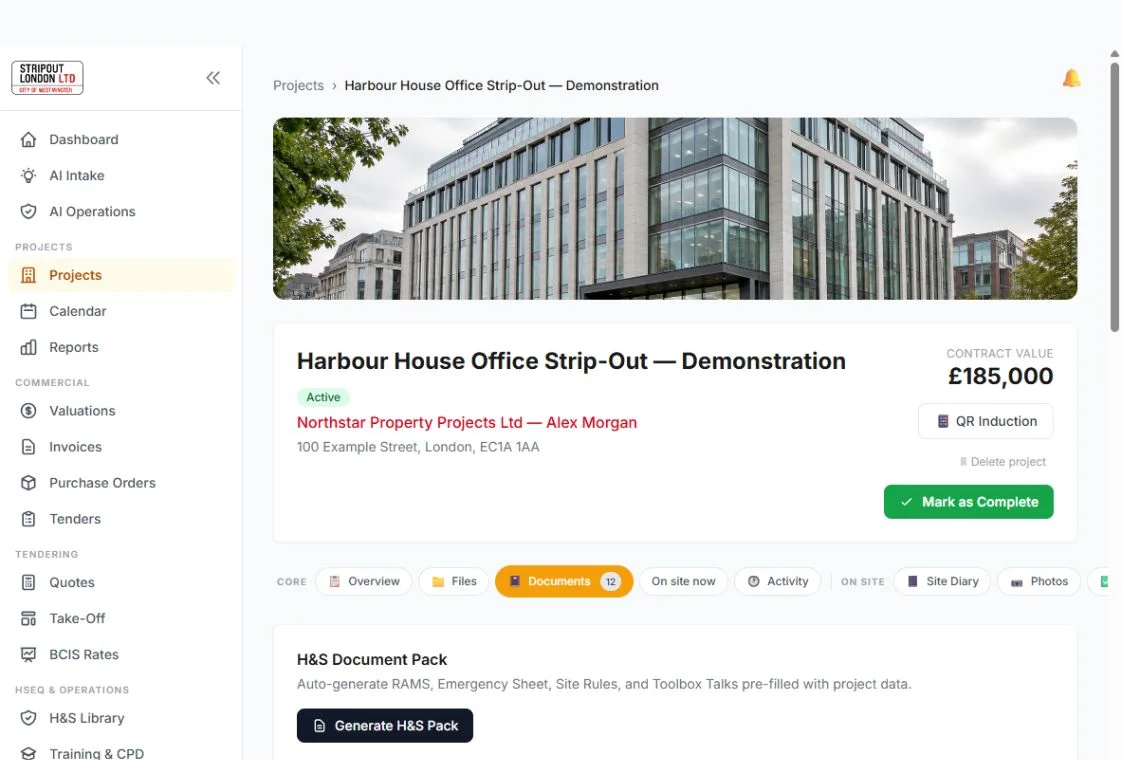
The project team can see its controlled documents, current status and next action in one view.
Live on Tuesday 20 October · 6:00 p.m.
Join a free live SiteHQ walkthrough for UK contractors. See the enquiry, project setup, document upload, AI-assisted preparation, CPP and RAMS review, QR access and site record in one practical sequence.
Built around your team
SiteHQ connects the people running the business, managing the site, reviewing safety documents and carrying out the work.
See project status, documents and site records across your business.
Site managersShare current information and see acknowledgements and attendance.
H&S reviewersCheck project facts, drafts, changes and issued versions in one place.
SubcontractorsKeep your own scope, trade records, evidence and workforce connected.
Simple plans
No card required for Free. Workers using the site QR code do not need a paid workspace seat.
Free
Permanent free access
Create a workspace with Google sign-in and start one active project. One authenticated workspace seat is included and no payment card is required.
Business
per month
For contractors that need more people, projects and monthly operating capacity.
Enterprise
per month
For larger operating teams that need more people, projects, storage and monthly operating capacity.
Start with SiteHQ Free
Free £0 · Business £195 + VAT/month · Enterprise £495 + VAT/month.
Start free

